Live performance software

Build. Control.
Perform.

F&R Stage brings your entire live workflow together — from building multitrack sessions to controlling your show on stage.

Ready for rehearsalMarker + Live
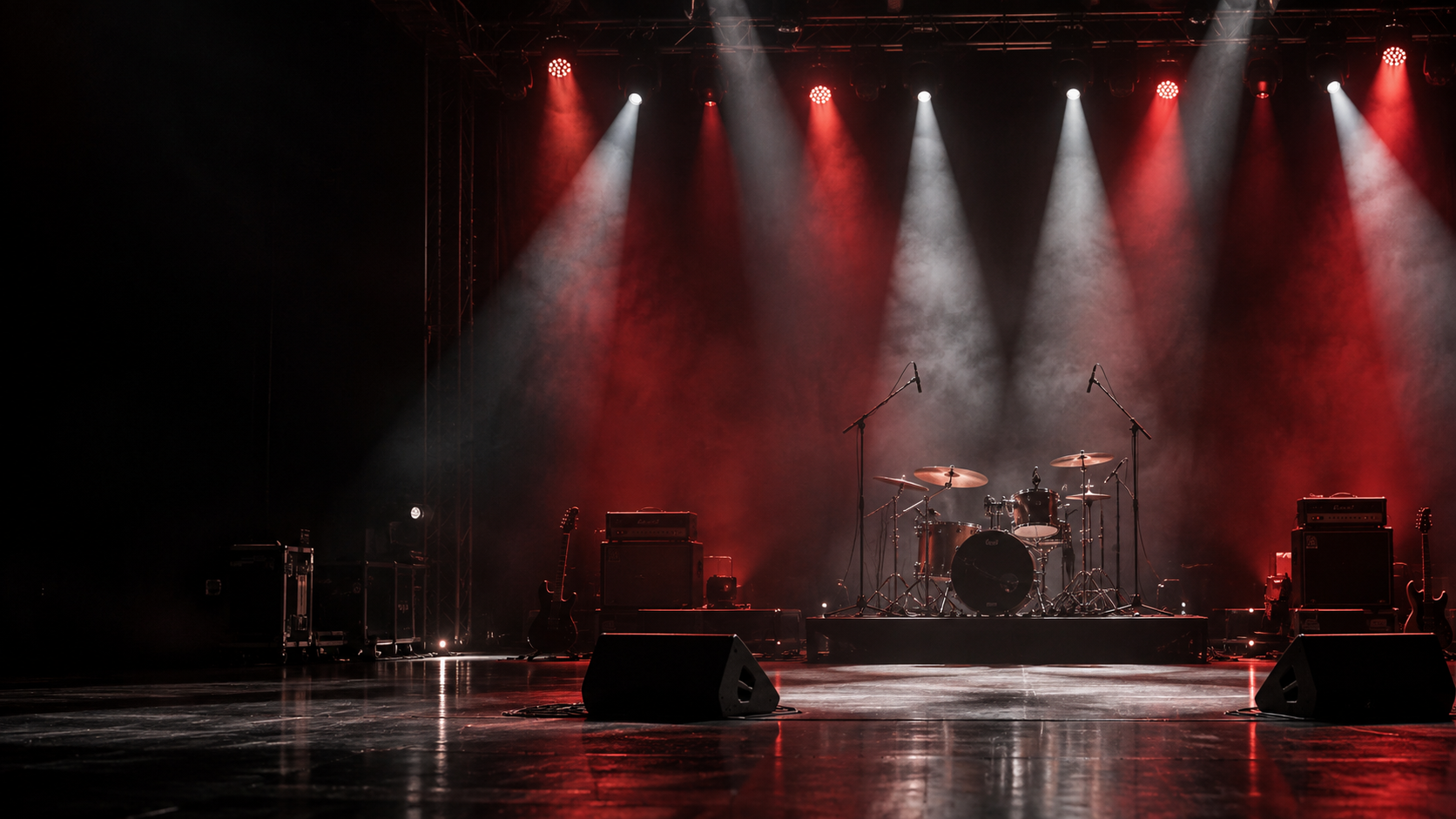
Empty concert stage with drum kit, amplifiers and red and white spotlights.

The F&R workflow

One ecosystem. From preparation to performance.

F&R Marker builds the session. F&R Live controls the show.

01 · PrepareF&R Marker
02 · OrganizeProject
03 · ExportAbleton Live
04 · PerformF&R Live

01 / Session preparation

F&R Marker

Build your set. Prepare your session.

Turn multitrack folders and setlists into organized Ableton Live project files, ready for you to open and review.

  • Import one or many song folders
  • Detect tempo and estimate musical key
  • Map and review stem assignments
  • Arrange songs and transitions
  • Choose song or shared track routing
  • Write an Ableton Live .als project
F&R Marker interface preview
F&R MARKERPROJECT / SUNDAY SET
ALL THINGS NEW72 BPM · 4/4 · D
00:00 01:0002:0003:00

Interface concept based on the current product workflow.

02 / Performance control

F&R Live

Control the moment.

A desktop bridge and local-network controller for navigating your Ableton Live show from a phone, tablet or another computer.

  • Navigate the setlist and song markers
  • Control transport and supported volume
  • Pair up to two remote devices
  • Approve pairing with a 6-digit code
  • Use a private local-network connection
  • Keep audio on the Ableton computer
F&R Live interface preview
F&R LIVELIVE READY
NOW PLAYING · 02 OF 08

All Things New

D · 72 BPM · 4/4

01INTRO
02VERSE 1
03CHORUS
04BRIDGE

Interface concept based on the current product workflow.

Start to stage

Your complete live workflow.

01

Build

Prepare songs and multitracks in F&R Marker.
02

Organize

Order your setlist and define song and section markers.

03

Export

Write a new Ableton Live session project file.

04

Perform

Connect F&R Live and navigate the show remotely.

Built for the people on stage

Built for live performance.

Bands

Keep every transition, cue and track organized.

Churches

Build repeatable services and navigate them safely.

Touring musicians

Carry a dependable workflow from venue to venue.

Music directors

Shape arrangements, sections and setlists clearly.

Playback operators

Run precise cues and playback under pressure.

Production teams

Connect stage control with the wider show system.

Connected by design

From session prep to show control.

Two focused tools cover the handoff from building an Ableton session to navigating it on stage.

01Setlists
02Song markers
03Multitrack stems
04Tempo detection
05Key estimation
06Section locators
07Track routing
08Ableton .als output
09Local bridge
10Remote pairing
11Transport control
12Stage navigation

Product showcase

See the workflow before the stage.

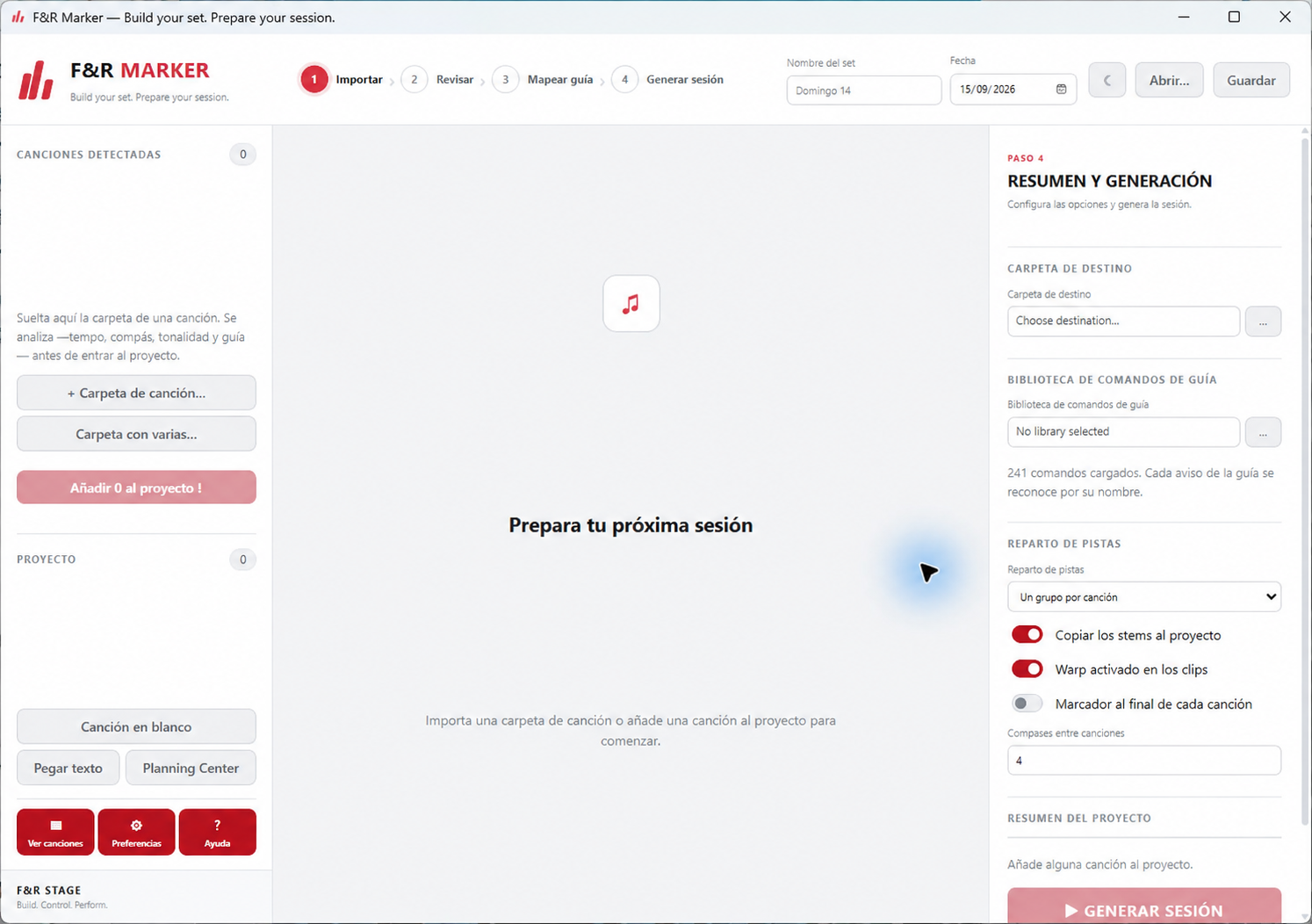
F&R Marker project preparation screen with setlist import, guide library and Ableton Live session options.
F&R Marker · Prepare your sessionImport a song folder, review its tempo and guide cues, then configure the session for Ableton Live.

Designed to expand

More tools.
One stage.

F&R Stage is designed to grow with your live workflow.

03

F&R Sync

Coming soon

04

F&R Guide

Coming soon

05

F&R Cloud

Coming soon

From preparation to performance

Ready for your
next show?

Build your session. Control your performance.