Prepare Ableton Live
Place the F&R Live Bridge Max for Live device on a track in your Ableton Live project, then open the project on the host computer.
 Stage
StagePerformance control
Control and navigate an Ableton Live show from a phone, tablet or another computer on the same local network. Audio stays on the Ableton computer.
02 / Performance control
A desktop bridge and local-network controller for navigating your Ableton Live show from a phone, tablet or another computer.
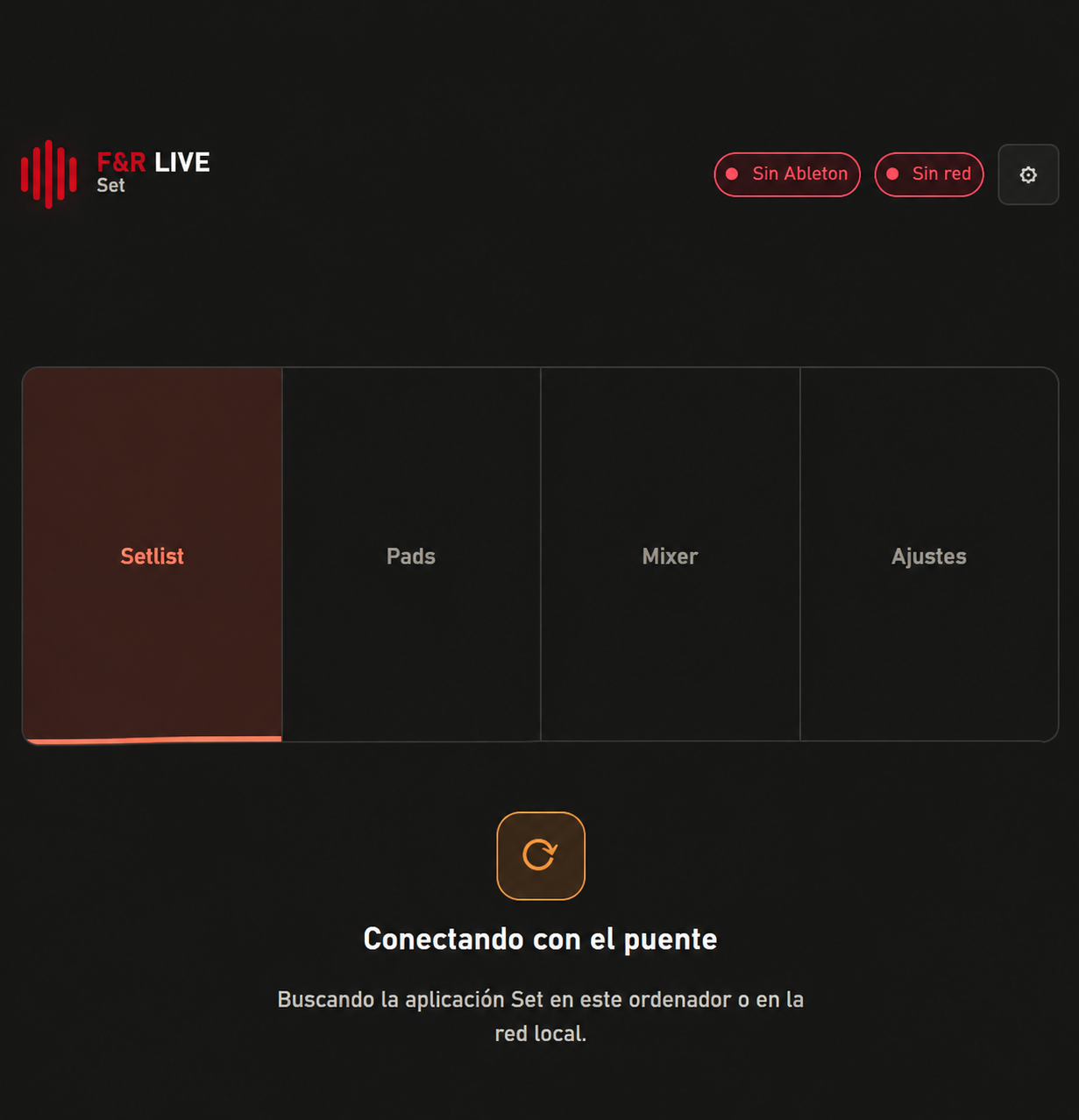
Interface concept based on the current product workflow.
How show control works
Place the F&R Live Bridge Max for Live device on a track in your Ableton Live project, then open the project on the host computer.
Launch the F&R Live desktop app and wait for its local connection to Ableton. Use “Open control” on the host, or open the displayed network address on a device connected to the same local network.
Enter the pairing code shown by the remote and approve its six-digit request in the desktop bridge window. Up to two remote devices can be paired at once.
Use the remote interface to move through the setlist and song markers and access supported transport and volume controls. The host remains responsible for Ableton and audio.
These are two independent paid programs. Each has its own license; buying both only applies the discount shown on the pricing page.
Start to stage
Prepare songs and multitracks in F&R Marker.
Order your setlist and define song and section markers.
Write a new Ableton Live session project file.
Connect F&R Live and navigate the show remotely.
From preparation to performance
Build your session. Control your performance.